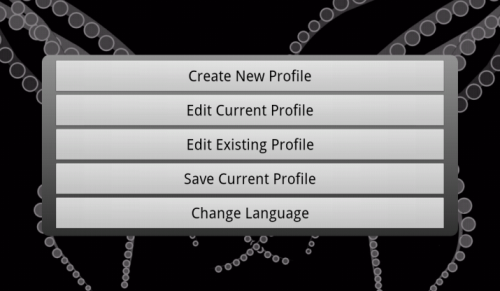
Before you can control a group of devices, you must create a room profile.
You can create as many profiles as you wish, and give them meaningful names such as "Living Room" or "Sarah's TV".
The last profile used becomes the "Default Profile" and will be used each time you start the TouchSquid app, until you select a different one.
To create your first profile touch the Settings button on the startup screen:
This is the screen with no devices yet defined. Touch "Add Device" to add your first device, usually the TV, Monitor or Projector which displays your video signals.
Touch to change a device or activity within the current profile. You can save it with a different name to create a new profile.
Touch to load and edit a profile that you previously saved.
Touch to choose a different language. T
Once you change languages, most of the text within the app will be displayed in the language chosen.